

veo 3 product demo prompts
Veo 3 prompts for a physical product demo
Turn Product Features Into A Clear Visual Demonstration with a feature-to-benefit workflow built for performance marketers.
Create your AI videoThe short answer
For a Veo 3 product demo, prompt three beats in order: the feature in its unused state, one hand activating it, and the visible result. Name the shot framing, a single camera move, and the lighting, because DeepMind's guide treats framing, motion, style, and lighting as the levers that give you control. Leave claims out of the generated scene and end on the benefit itself rather than a claim card. Start by comparing a macro demonstration with a wider in-context version.
Key takeaways
- Structure the prompt as unused state, one activating hand, and resolved benefit so reviewers can check each beat.
- Compare a macro demonstration with a wider in-context shot before testing hooks or pacing.
- Reject any take where packaging warps or the feature changes shape between frames.
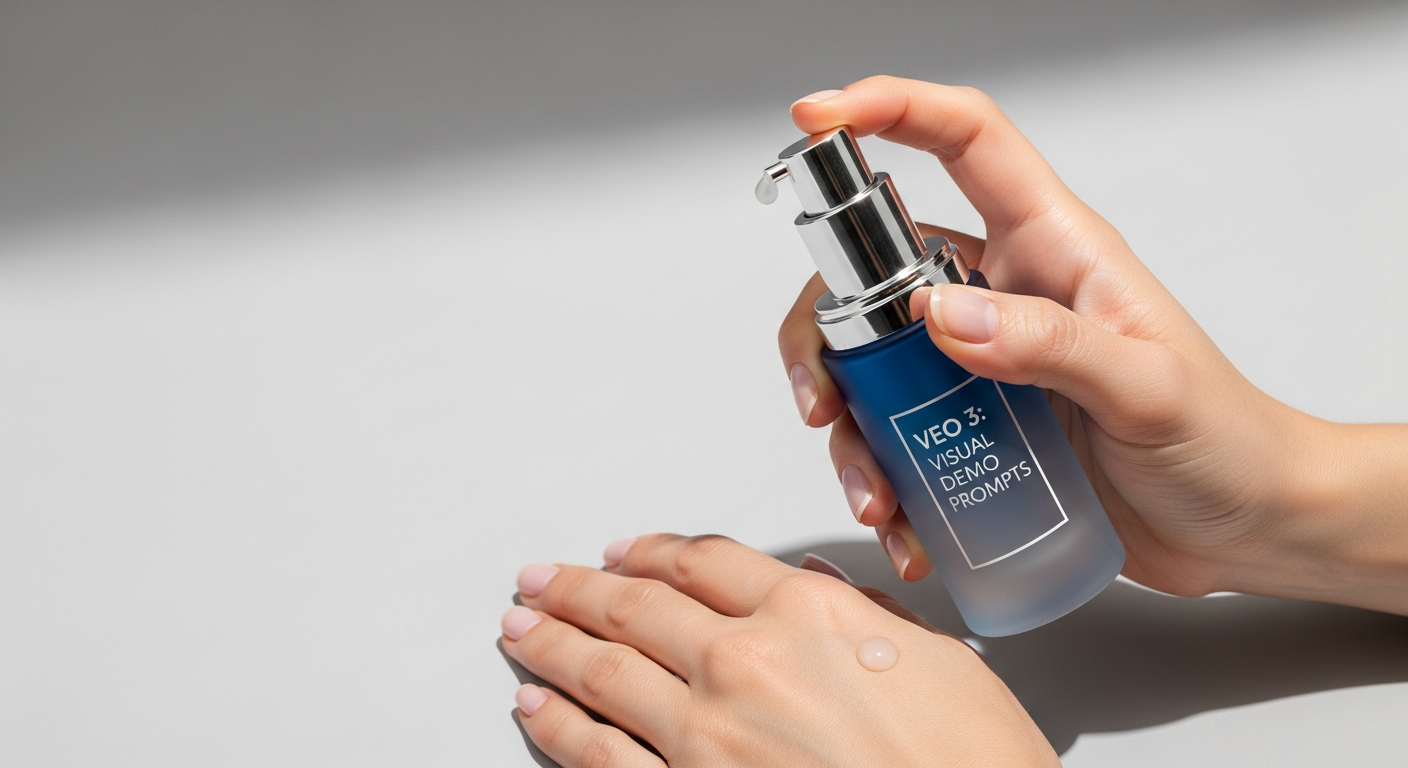
A Physical Product Demo works best when the prompt behaves like a compact production brief. Start by deciding what the viewer must understand after a single watch. For performance marketers, that usually means one product truth, one visual action, and one emotional tone. A long list of cinematic adjectives cannot replace those decisions. The examples below give Veo 3 a subject, a scene, a camera plan, and a clear finish so the output can be reviewed instead of merely admired.
Treat the first generation as evidence, not the final asset. Review subject consistency, motion, composition, lighting, legibility, and whether the result actually supports the feature-to-benefit idea. When something fails, revise the smallest responsible instruction. This preserves useful parts of the shot and prevents a prompt rewrite from introducing several new problems at once.
Ways to use this
- Plan a physical product demo before spending generation credits.
- Create controlled variations for performance marketers.
- Review each output against a specific feature-to-benefit goal.
Prompt workspace
Use the prompt, inspect the output
Each example keeps the prompt, expected result, and owned output together.
Prompt
Create a physical product demo for performance marketers. Open with one clear visual subject. Use a feature-to-benefit sequence, natural material detail, motivated camera movement, and consistent lighting. Keep the product identity stable. End on a clean frame that leaves room for a headline. Avoid logos changing shape, unreadable text, extra objects, and abrupt scene transitions.A focused first-pass shot designed to turn product features into a clear visual demonstration, with enough control to diagnose whether subject, camera, lighting, or timing needs the next revision.
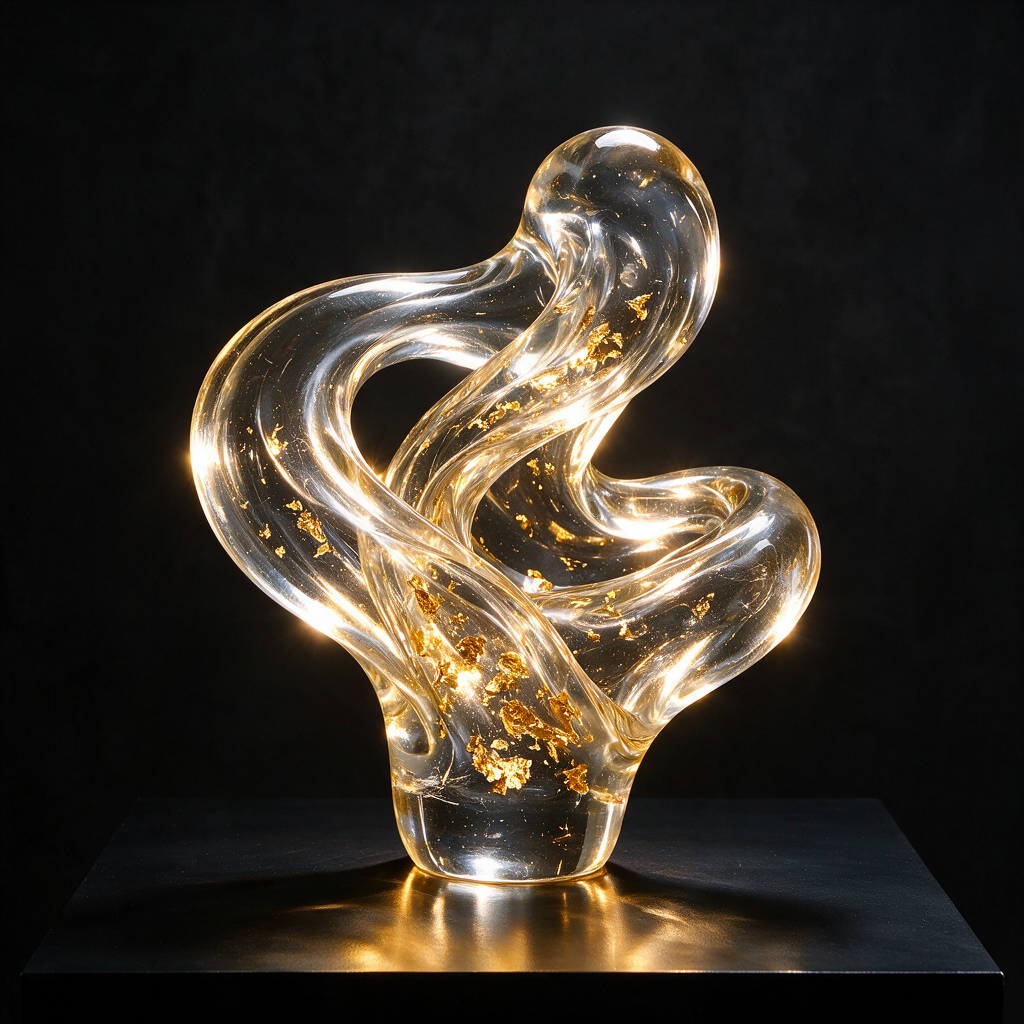
Prompt
Keep the same subject, environment, and visual identity, but change the opening beat to show the audience problem first. Move into the feature-to-benefit moment within two seconds. Use one camera move, one main action, realistic pacing, and a final product-focused composition. Preserve all physical details between frames.A comparable variation that changes the hook while preserving production variables, making the creative test easier to interpret.

Page-specific creative brief for veo 3 product demo prompts
Open on the feature in its unused state, show one hand activating it, and end on the visible benefit without adding a claim card.
Reject warped packaging or a feature that changes between frames; first test a macro demonstration against a wider in-context demonstration.
Plan the feature-to-benefit story before prompting
Write the intended viewer takeaway in plain language: turn product features into a clear visual demonstration. Then translate that takeaway into visible evidence. Decide what appears in the opening frame, what changes during the shot, and what the final frame proves. For a physical product demo, every beat should support the same idea. Remove actions that look impressive but do not help the audience understand the product, workflow, or result.
Choose the delivery context before you choose the camera. A vertical paid-social placement needs a fast focal point, safe text space, and movement that reads on a phone. A landing-page demonstration can hold longer and show more procedural detail. Naming the destination helps Veo 3 produce useful framing and gives your editor a clearer standard for accepting or rejecting the shot.
Control subject, scene, camera, and time
Describe the subject with stable physical details and repeat those details when continuity matters. Name only scene elements that affect the story. Then specify one primary camera behavior, such as a slow push-in, a locked tripod view, or a measured orbit. Competing camera instructions often create accidental motion and make it difficult to tell whether the model followed the important action.
Time instructions should explain the order of events. Use a simple sequence: opening state, motivated action, product or interface response, and resolved end frame. If dialogue or a creator performance matters, keep gestures small and purposeful. The objective is not maximum activity; it is a feature-to-benefit sequence that an editor can combine with captions, voiceover, and a call to action.
Use negative constraints as quality boundaries
Negative instructions are most valuable when they protect identity and usability. Ask for stable packaging, consistent hands, readable interface proportions, realistic material behavior, and no unexpected objects. Avoid massive generic exclusion lists. A short set of boundaries tied to known failure modes is easier to maintain and makes it clearer which instruction improved the next generation.
Claims also need boundaries. The visual can show a routine, workflow, texture, or product interaction, but it should not invent a customer result. This is especially important for teams working in regulated or high-trust categories. Keep evidence visible and specific, then let approved copy and landing-page context carry the claim that the business can substantiate.
Turn one accepted shot into a controlled test
Once the base shot works, save it as the control. Create separate variations for the opening hook, camera movement, pacing, voiceover, and on-screen text. Do not change all five at once. Controlled variation produces a useful creative system: each result teaches the team which variable helped, and winning elements can be recombined without rebuilding the entire concept.
VidMax can organize that process around reusable source media and repeatable creative structures. The goal is not to automate judgment away. It is to make each judgment cheaper and easier to reproduce. A strong veo 3 product demo prompts workflow should leave the team with a clear prompt, an accepted control asset, documented variations, and a reason for the next test.
Who this is for
Best for
- Performance marketers turning one physical product feature into a short demonstration clip.
- Ecommerce teams that need a repeatable demo shot they can vary by hook and caption.
Not the right fit
- Software products whose demo depends on accurate interface footage; this page covers physical products.
- Teams that want the clip itself to carry performance or efficacy claims.
Costs, limits, and common mistakes
- Each retry costs generation credits; change one instruction at a time so every attempt teaches you something.
- Packaging, labels, and small mechanical parts can drift between frames and need frame-by-frame review.
- Stacking several camera moves in one prompt often produces accidental motion that hides the feature.
How we built this guide
Based on the Veo 3 prompt guide from Google DeepMind and VidMax's control-and-variation method, with first-party VidMax studio product imagery shown as illustration rather than as Veo output.
Frequently asked questions
What makes a useful prompt for veo 3 product demo prompts?
A useful prompt names the subject, audience, action, setting, camera behavior, lighting, timing, and exclusions. It gives Veo 3 a production brief instead of a pile of adjectives.
How many variables should change between generations?
Change one major variable at a time whenever you are diagnosing quality. Lock the subject and environment before testing motion, then lock motion before comparing hooks or pacing.
Can VidMax turn these outputs into ad variations?
Yes. Use the generated shot as a controlled source asset, then create hook, voiceover, caption, and sequence variations around the same visual concept.